Ordering decisions · 4 min read
Direct ordering: know what each order really costs
A direct ordering channel changes the cost structure, not the need to understand it. Use this practical checklist before choosing your next restaurant system.
By Peekaboo Digital · October 26, 2026
Start with one complete order journey
Choose a typical pickup order and follow it from the guest opening your website to the kitchen preparing it and the payment reaching your account. Write down every system involved. Repeat the exercise for delivery. The journeys may look similar to the guest, but the costs and staff responsibilities can differ considerably.
Collect your current provider agreements and settlement statements rather than comparing headline percentages alone. Make a simple worksheet with columns for the charge, who collects it, when it applies and whether it is fixed or order-dependent. Keep a separate line for any guest-facing fee: it may affect what a guest chooses, even if it is not an expense on your statement.
Separate commission from the other costs
A platform commission, a card-processing fee and a software subscription are different charges. A commission-free offer does not mean that card processing, delivery or subscriptions disappear. Ask each provider to explain which charges are included, which are passed through and which may change with payment method, volume or contract terms.
Checklist: record platform commission; payment processing; recurring software charges; delivery arrangements; packaging; refunds and disputed payments; and staff handling time. Use your actual contracted rates and order mix. If a comparison leaves out one of these lines, label it incomplete rather than treating the missing cost as zero.
Test the work behind the counter
Ask staff to demonstrate how an online order reaches the preparation team, how a modifier is checked and what happens when an item is unavailable. Notice any repeated entry, unclear handoff or separate device that requires attention. These observations help you assess fit without assuming a new system will automatically reduce labour or errors.
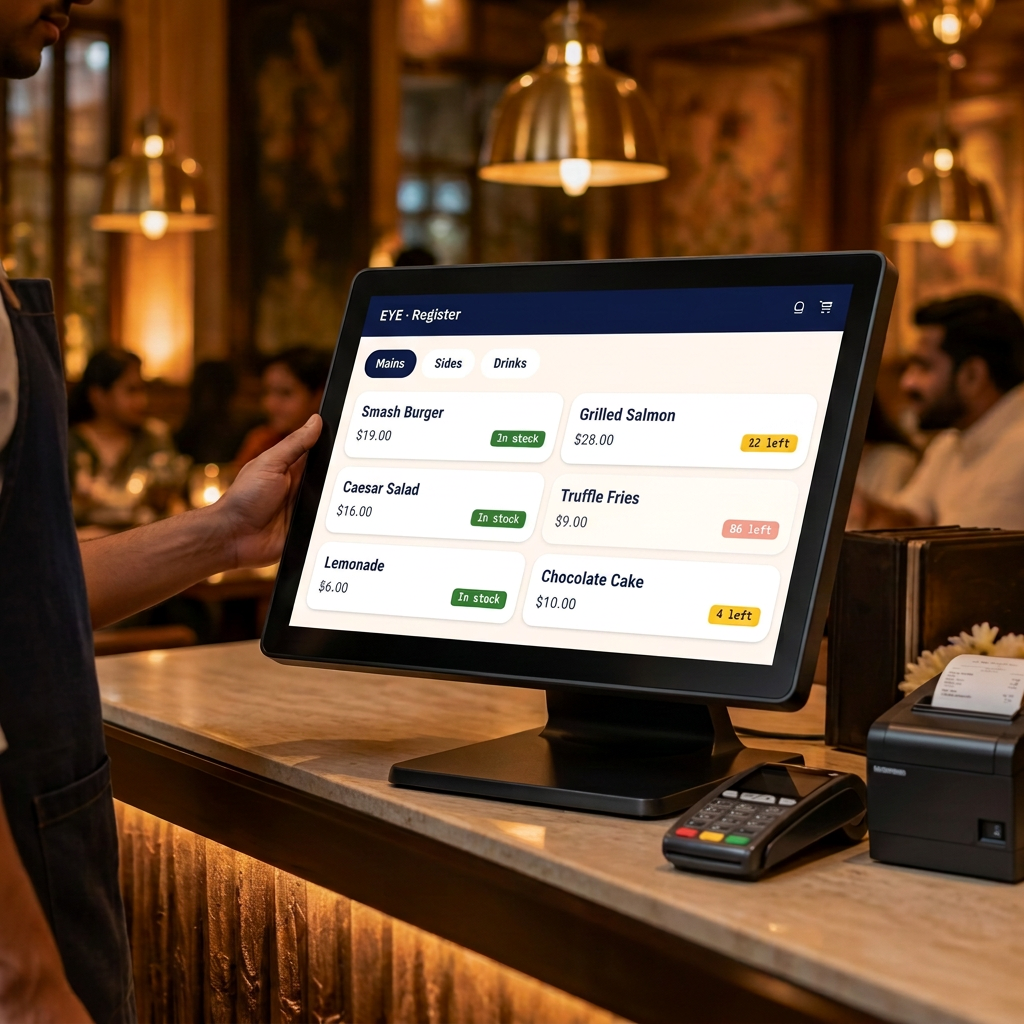
EYE brings direct website ordering into its restaurant platform and includes a touch register, menu tools and a kitchen display. In a demo, bring an example order with a modifier and ask to follow it through the relevant screens. Confirm the configuration and compatible hardware your restaurant needs rather than assuming every existing device is supported.
Make the comparison before you switch
Compare your channels using the same basket and fulfilment method. Then repeat with a smaller basket and a larger one. Fixed charges and percentage charges behave differently, so a single example can hide important trade-offs. Keep demand generation separate too: a direct website and a marketplace may reach guests in different ways.
Finish your worksheet with practical questions: Who owns each setup task? How are menu changes reviewed? What training is needed? How will guests find the ordering page? Peekaboo Digital offers restaurant growth services including local search, paid campaigns and food photography. Treat these as services to evaluate, not a promise of orders or financial results.
Your next step
Bring your current order journey and fee questions to a 15-minute EYE demo. We will look at direct website ordering and the questions to ask before changing systems.